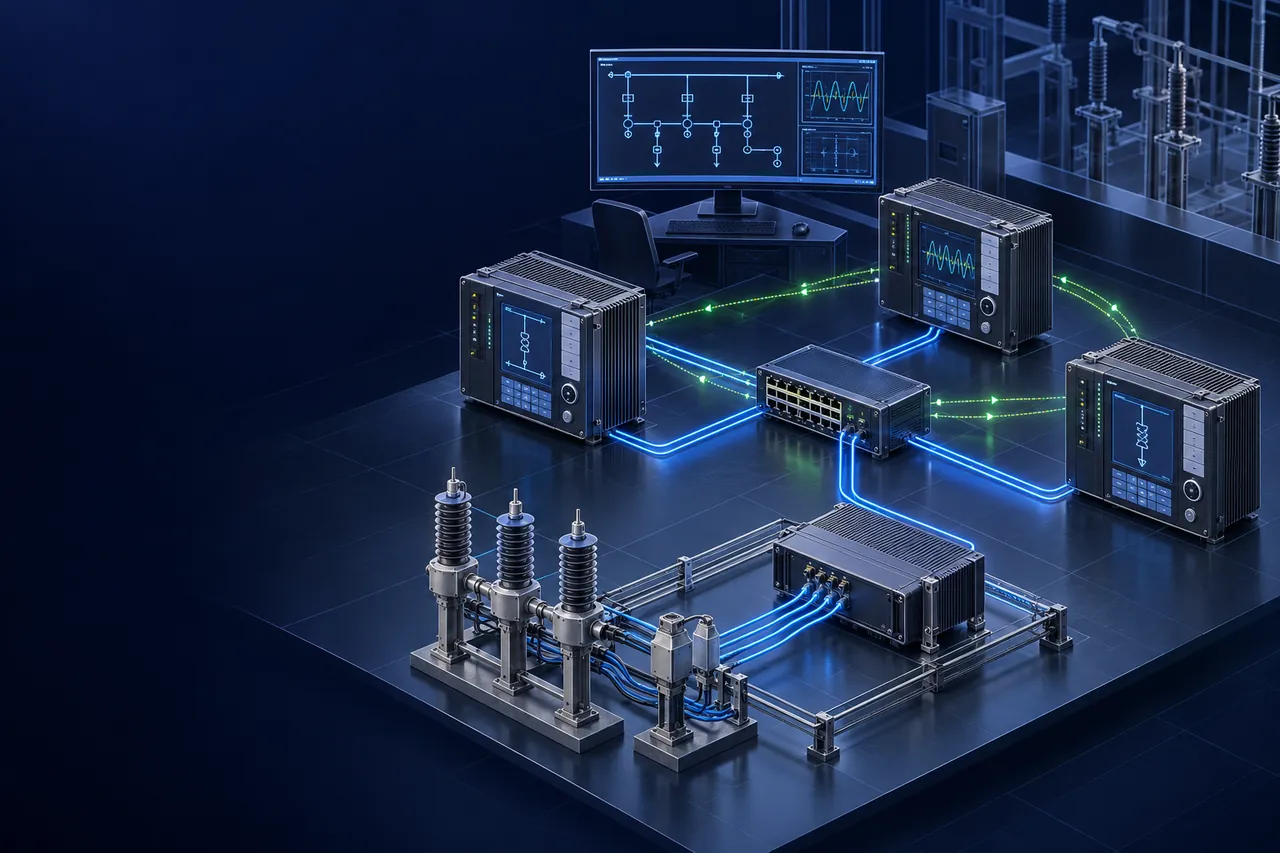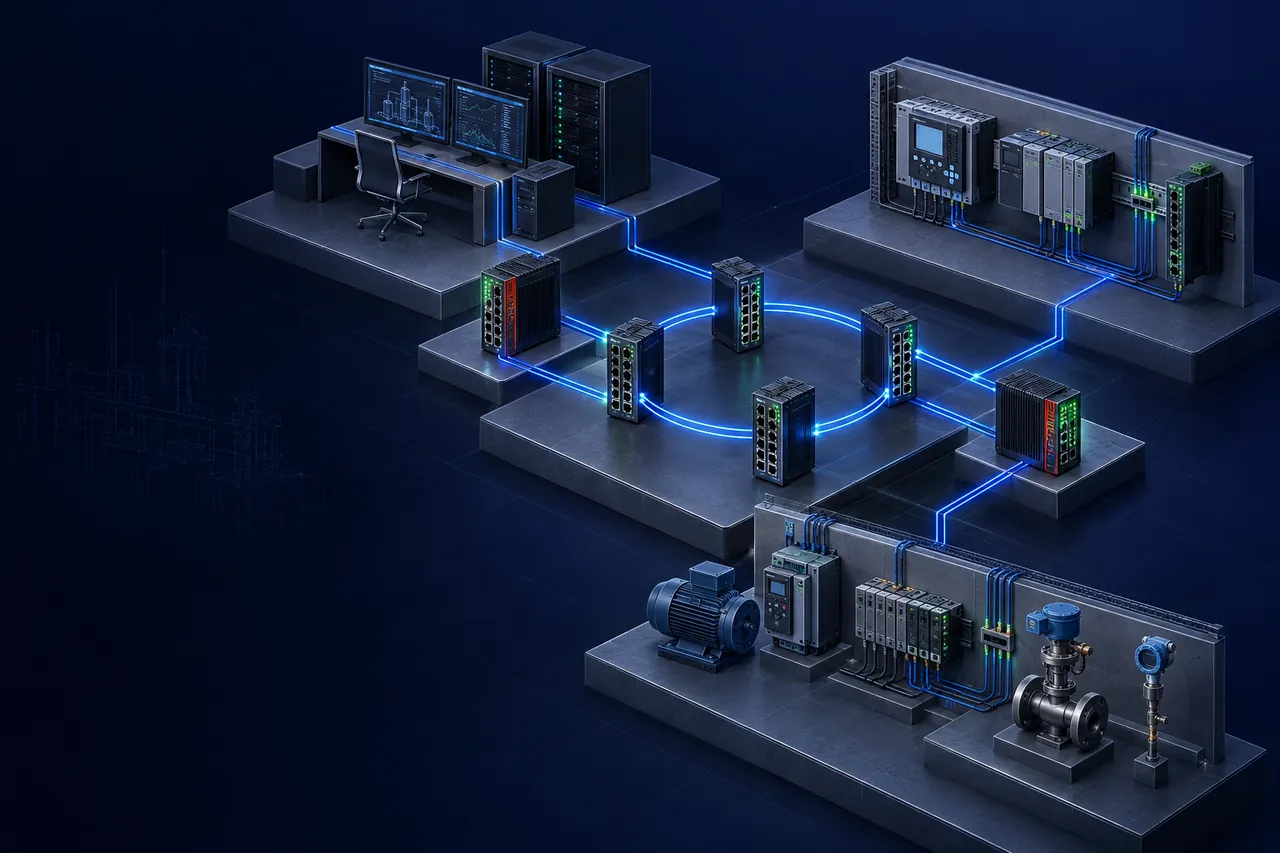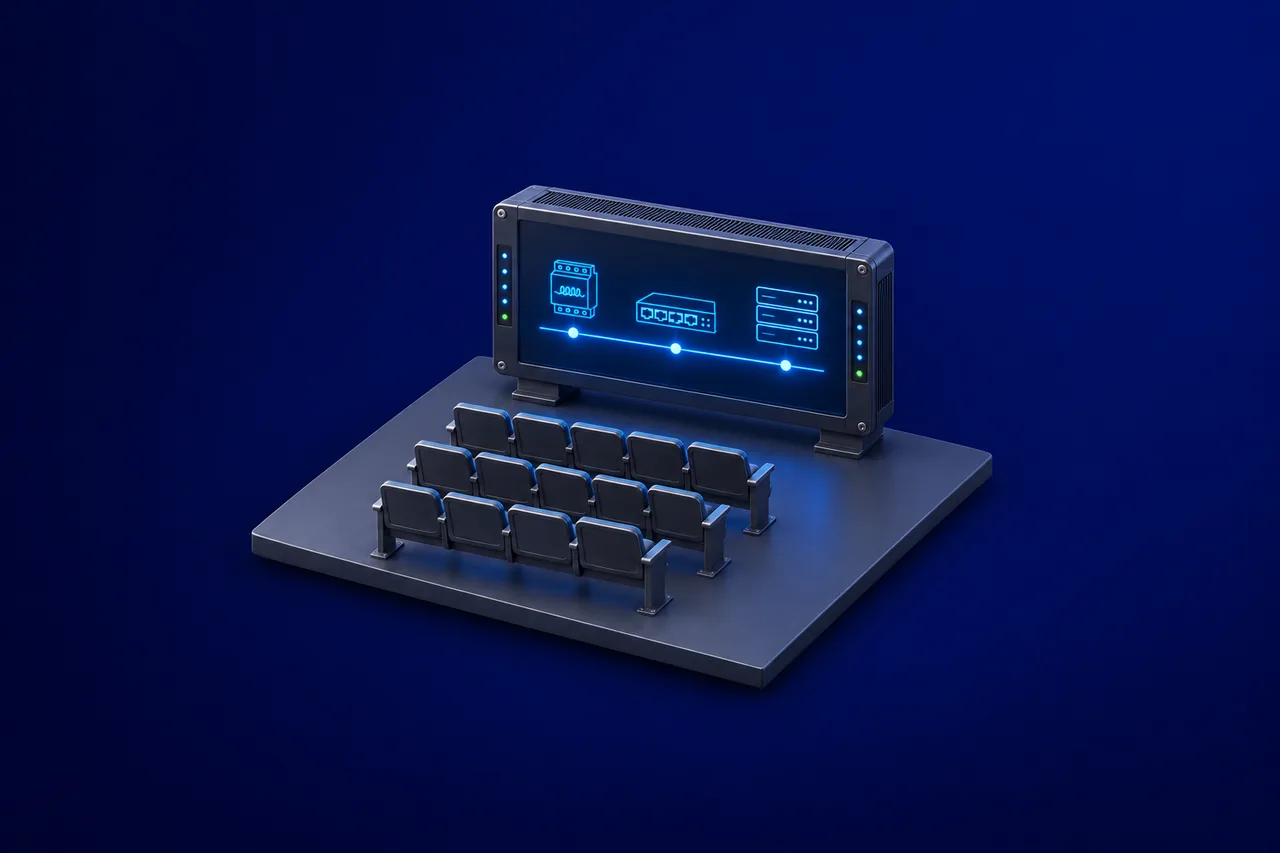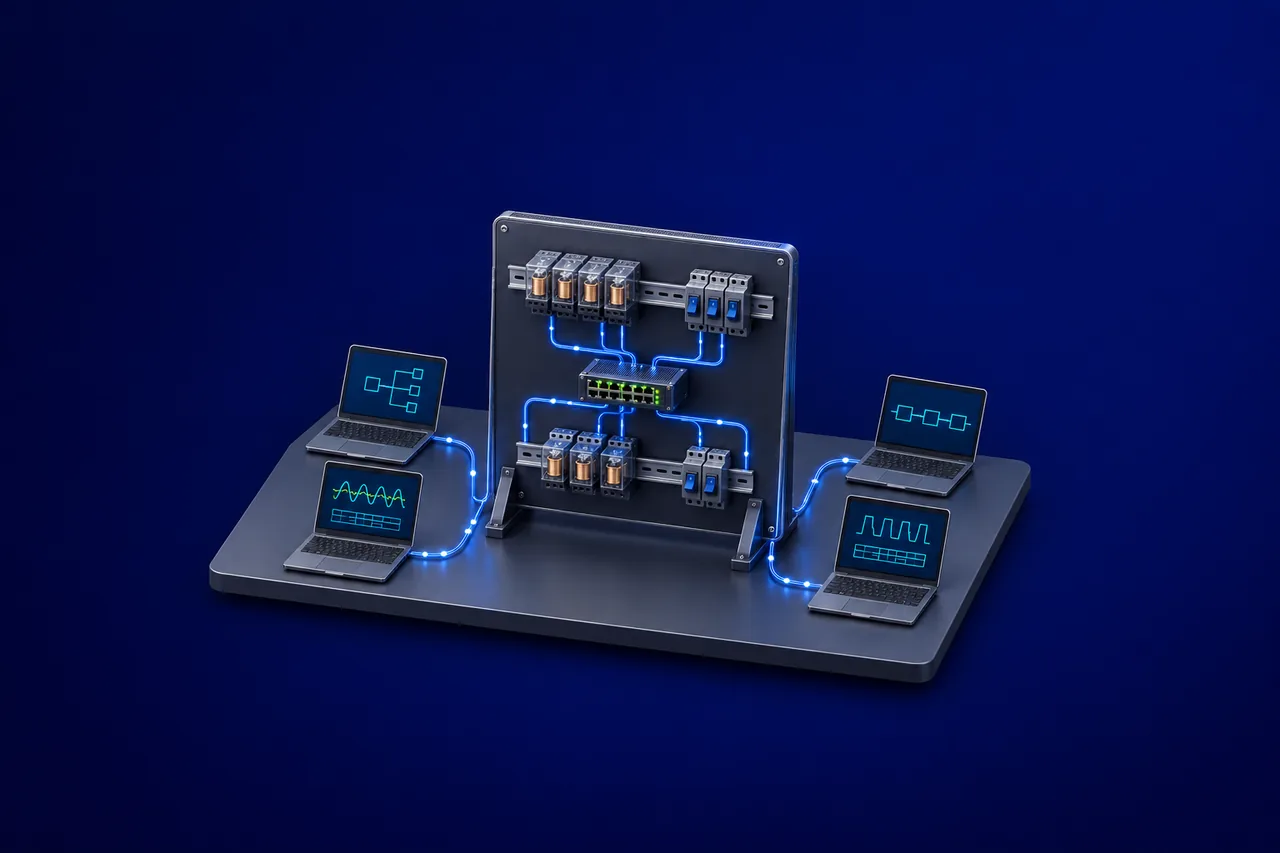
Sometimes you need to read and understand the frames between an IED and a client such as a SCADA or a gateway. When data is missing, quality is unexpectedly invalid, or timestamps are wrong, Wireshark can capture and analyze those flows.
Reading a report control block
A report control block configures how an IED sends reports; after reading it, the SCADA decides whether to enable them. The response carries the report identifier, whether it is enabled, the associated data set, and the configuration revision.
Optional fields are interpreted in binary: for example, 7c80 with 6 padding bits equals 0111110010 and indicates which additional information the report includes. The trigger options say which events generate it: data change, quality change, data update, integrity, or general interrogation.
Key fact
Sending spontaneous data with the Information Report is the main object type when monitoring an IED with IEC 61850.
- Validity bits
Interpreting an Information Report
The Information Report is the spontaneous data structure that arrives when the trigger conditions are met; its content depends on the optional fields enabled in the control block.
Quality is encoded in bits: the first two indicate validity (Good, Invalid, Reserved, Questionable) and the rest indicate conditions such as overflow, out of range, or stale data. The cause of transmission helps diagnose abnormal behavior.
Configures
RCB
Report control block
- Defines how reports are sent
- Optional fields: sequence number, timestamp, cause
- Trigger options as a bit string
Reports
Report
Information Report
- Spontaneous data when the trigger is met
- Its content depends on the optional fields
- Includes quality and cause of transmission