Sending a GOOSE message from an SEL 451 to an ABB REF620
In this video we explain how to configure GOOSE communication from an SEL 451 IED to an ABB REF620: from the SEL relay SCL file through functional testing.
AREng. Alonso Rojas RojasAxon Group1 minde lectura·
In this video we explain how to configure GOOSE communication from an SEL 451 IED to an ABB REF620: from the SEL relay SCL file through functional testing.
01Step-by-step configuration
The tutorial covers generating SCL files, integrating them into ABB PCM600, and publishing the GOOSE reports.
1SEL SCL fileGenerating the SCL file of the SEL 451 relay.
2Integration into PCM600Adding the SEL IED to the ABB project.
3GOOSE publishingConfiguring and publishing the reports.
4Block logicFunctions in the IED that will use the signals.
5Signal linkingSubscribing to the signals in the REF620.
6TestingVerifying correct operation.
Key fact
IEC 61850 interoperability allows an SEL IED to publish a GOOSE message and an ABB IED to subscribe to it.
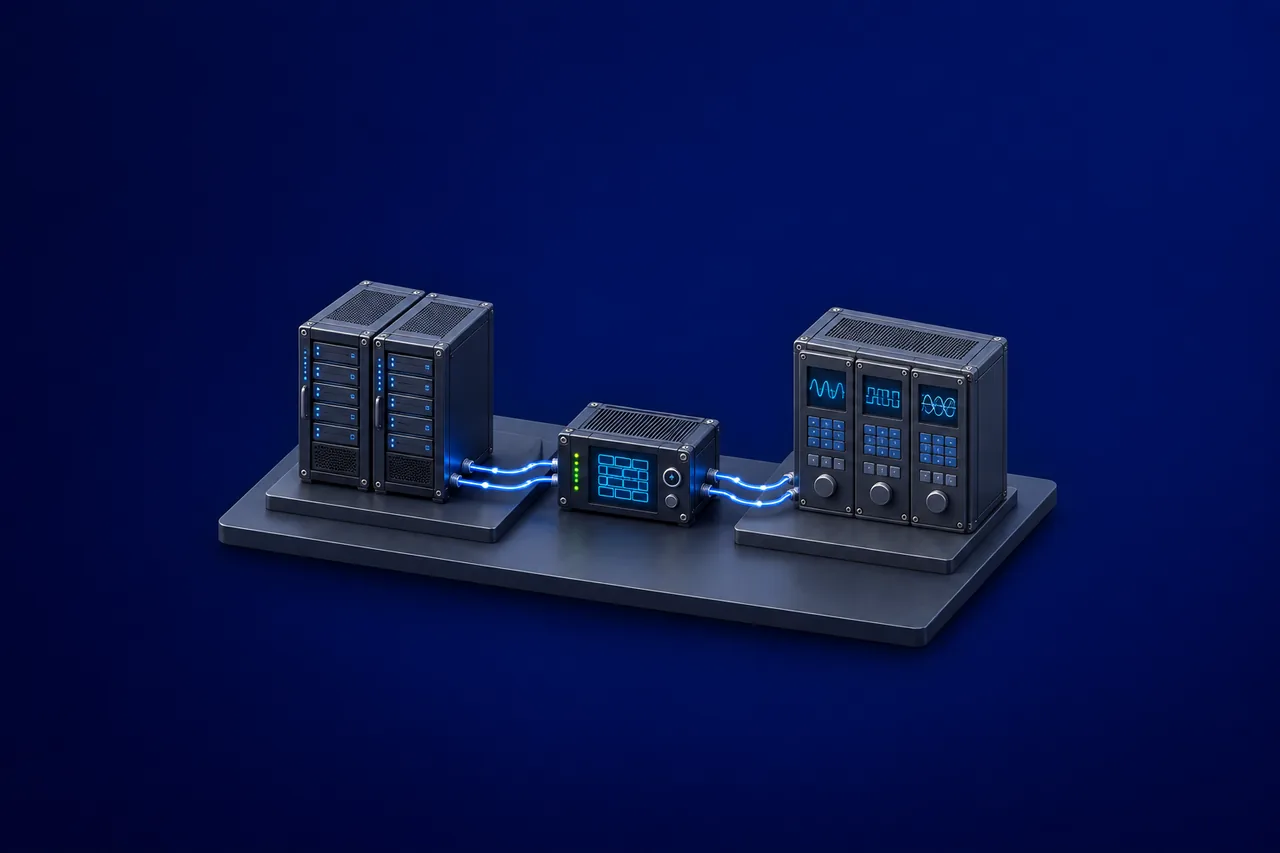
Figure 1. The SEL 451 publishes the GOOSE and the ABB REF620 subscribes to it, configured from PCM600.